
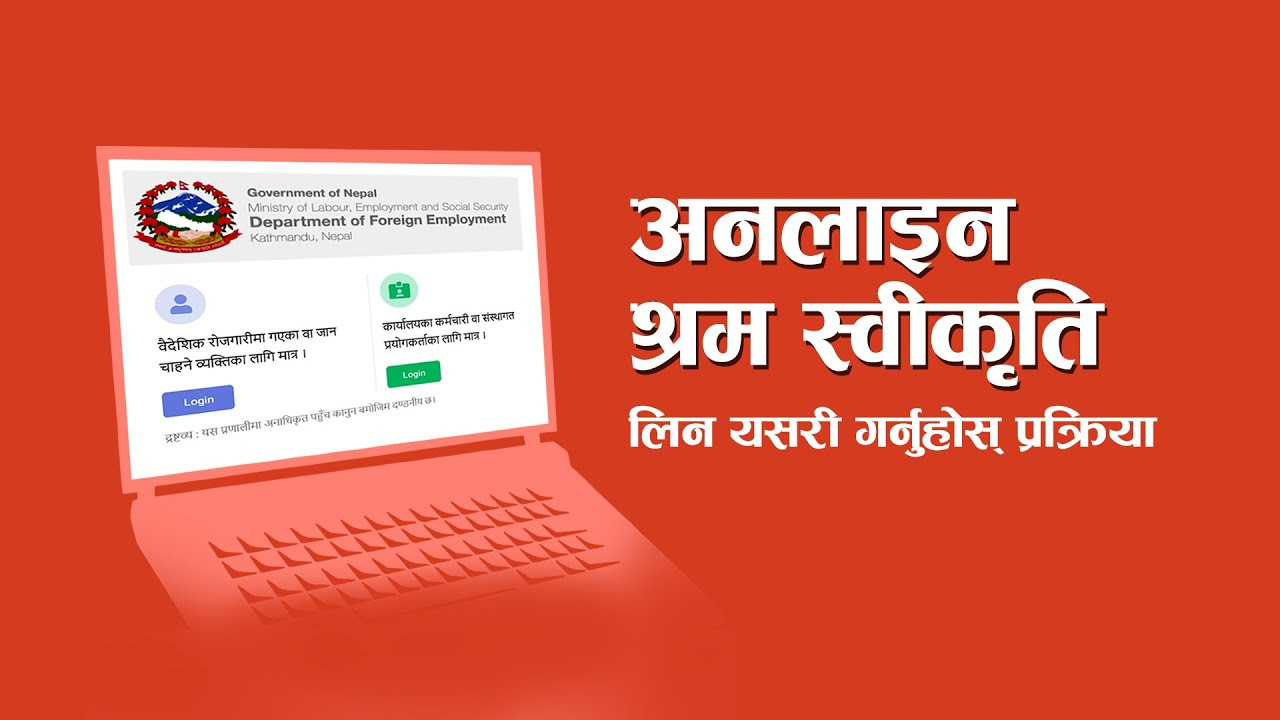
The Department of Foreign Employment has made the password change process used to obtain labor permits online easier. Since those going for foreign employment have forgotten their passwords and are having trouble logging in to the information management system for online labor permits, the department has made it possible for service recipients to reset their passwords themselves.
For this, first of all, you need to go to the Foreign Employment Information System Management website https://feims.dofe.gov.np/Common-Login and click on the login button designated for those who have gone or want to go for foreign employment. Then, you will have to enter your passport number and proceed.
After entering, a ‘Forgot Password’ button will appear next to the password space. To reset your password, you need to click on that button and enter your date of birth, passport issue date, and captcha. After the system verifies the details, the option to set a new password is available and after setting a new password, you can log in to your profile again.
Users should not provide passport photos or details to other people for the security of their profile. Meanwhile, the Department of Foreign Employment has also made arrangements for the convenience of workers going for foreign employment, allowing service recipients to add the name of the employer company in the destination country to the system themselves. When adding the company name, only the company name mentioned in the official document related to foreign employment should be used.
How did you feel after reading this article?
Related Posts








Recent Posts




